
The world of photo retouching has changed dramatically over the past few years.
What once required hours of manual work can now be achieved in seconds using artificial intelligence. Tools have evolved, workflows have accelerated, and expectations from clients have shifted.
But one thing remains constant:
Professional retouching is still defined by human judgement — not automation.
If anything, the rise of AI means it is more important than ever to keep your skills up to date and integrate AI editing tools effectively rather than rely on them blindly.
From 2018 to Now: How Much Has Changed?
Looking back at my original article from 2018:
It’s clear just how much the industry has evolved.
Back then, retouching was focused on:
• manual skin airbrushing
• cloning and healing
• layer-based adjustments
• time-intensive workflows
Today, we have:
• AI-powered selection tools
• automatic object removal
• neural filters
• generative fill
• intelligent upscaling
The tools have become faster — but the responsibility of using them correctly has also increased.
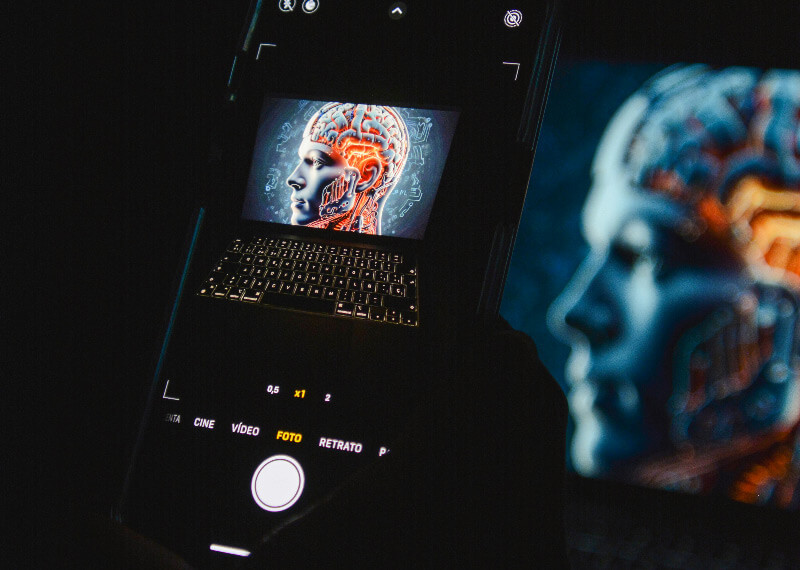
Why Keeping Your Retouching Skills Updated Still Matters
With AI doing more of the technical work, it’s easy to assume that skill matters less.
In reality, the opposite is true.
Modern retouching requires:
• knowing when to use AI — and when not to
• maintaining natural results
• avoiding over-processing
• understanding light, colour, and texture
• making subjective creative decisions
AI can generate an image — but it cannot understand intent, context, or emotion.
That’s where your expertise comes in.
Integrating AI Into Your Photo Retouching Workflow
The key to staying relevant is not resisting AI — it’s learning how to use it properly.
Where AI Helps Most
AI photo editing tools are incredibly useful for:
• removing distractions
• speeding up selections
• initial colour balancing
• batch processing
• restoring damaged images
This allows you to focus on the more important aspects of retouching.
Where Human Skill Still Leads
There are areas where AI still falls short:
• skin retouching that looks natural
• subtle tonal adjustments
• preserving character in portraits
• ethical editing decisions
• restoration of historical photographs
This is especially important in professional services like Real estate retouching where accuracy, realism, and consistency matter.
Key Photo Editing Software Every Retoucher Should Know
Adobe Photoshop (Industry Standard)
Adobe Photoshop remains the most powerful and widely used digital retouching tool available.
Recent AI-driven features include:
• Generative Fill
• Neural Filters
• AI object selection
• automatic sky replacement
Photoshop is no longer just a manual editing tool — it’s a hybrid AI platform.
Affinity Photo (Now Free and More Accessible)
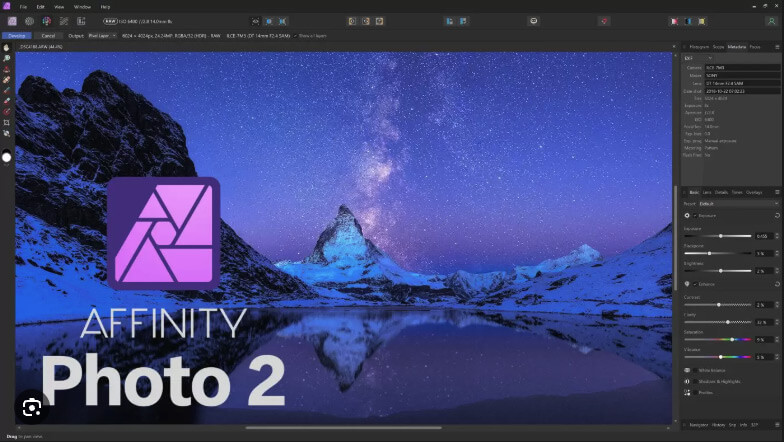
Affinity Photo has become a strong alternative — and its recent move to being free has made professional-level editing far more accessible.
It offers:
• advanced layer-based editing
• powerful retouching tools
• non-destructive workflows
• excellent performance without subscriptions
For many users, it’s now a serious competitor to Photoshop.
Other Emerging AI Tools
The editing landscape is expanding rapidly with tools such as:
• Luminar Neo (AI enhancements)
• Topaz Photo AI (sharpening and noise reduction)
• Remove.bg (background removal)
• Runway ML (AI video editing)
Each of these tools can enhance productivity — but they still require a trained eye to produce professional results.
The Risk of Over-Reliance on AI
One of the biggest issues today is over-editing.
AI makes it easy to:
• oversmooth skin
• distort proportions
• create unrealistic lighting
• remove important details
This leads to images that look artificial and lack authenticity.
Professional retouching should enhance — not replace — reality.
The Future of Photo Retouching: Hybrid Workflows
The future isn’t AI vs human — it’s both working together.
A modern retouching workflow looks like this:
- AI handles repetitive or technical tasks
- The retoucher refines and corrects
- Final decisions are made based on experience and intent
This hybrid approach allows for:
• faster turnaround times
• consistent quality
• more creative control
Staying Competitive as a Digital Photo Retoucher
To stay relevant in today’s industry:
• continue learning new tools
• experiment with AI features
• refine your manual skills
• understand client expectations
• develop a clear editing style
The tools will continue to evolve — but your ability to use them intelligently is what will set you apart.
Keep Your retouching Skills Up to Date and Integrate AI Editing Tools – Final Thoughts
The biggest shift in the industry isn’t just technological — it’s philosophical.
Retouching is no longer about what you can do.
It’s about what you should do.
By continuing to keep your skills up to date and integrate AI editing tools thoughtfully, you position yourself not just as an editor, but as a professional who understands both technology and artistry.